
Photograph the spelling sheet
Open the scanner, frame the paper list, and crop the page to the words your child needs this week.
Scan a spelling list
Photograph this week’s spelling sheet, crop the list, and review the words Beezy recognizes. Your child can then practice those exact school words with clear audio, short games, and smart review.
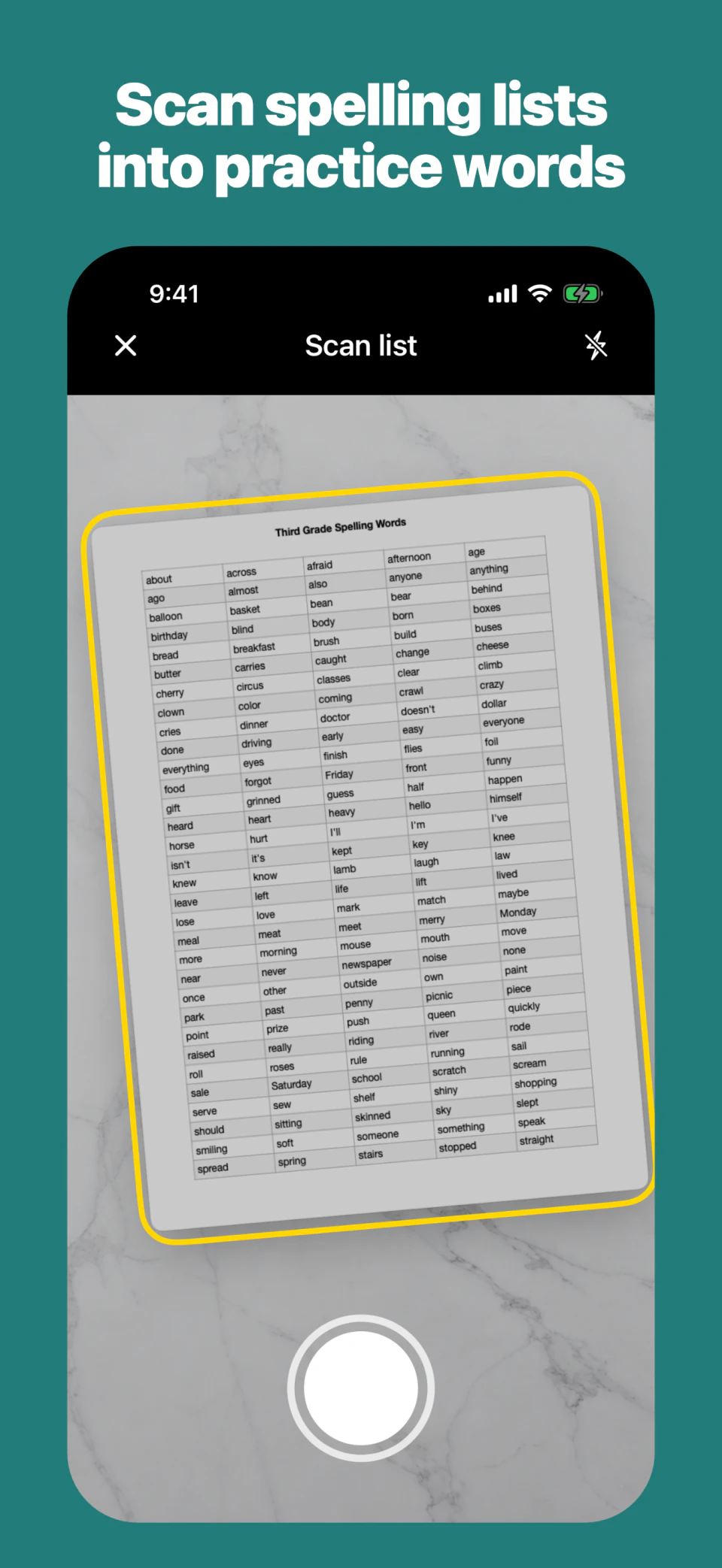
Open the scanner, frame the paper list, and crop the page to the words your child needs this week.
Check the extracted words before saving so the practice list matches the spelling sheet exactly.
Use the custom list in Beezy’s short exercises with audio support, smart review, and progress tracking.
A reliable scan-to-practice workflow
A spelling-sheet scanner saves setup time, but the parent should still confirm the list. Printed pages can contain headings, instructions, page numbers, or words from a neighbouring column. Cropping the photo to the relevant area gives Beezy a cleaner starting point, and the review step lets you correct anything before the child begins practising.
Use one list across the school week
The value of a custom list is not one long game. It is having the exact school words ready whenever there are five or ten calm minutes available. A simple week can look like this:
Capture the sheet, check the words, and let your child make one no-pressure attempt so you can see which words are already secure.
Use a short game with clear audio. Let the first real practice round show which spellings are shaky or missed.
Spend most of the session on the words that were missed, while mixing in a few easy words to keep the round balanced.
Use the whole list without hints. Match the response format used at school and note only the remaining gaps.
Check two or three difficult words and stop. A calm final reminder is more useful than introducing a new activity before school.
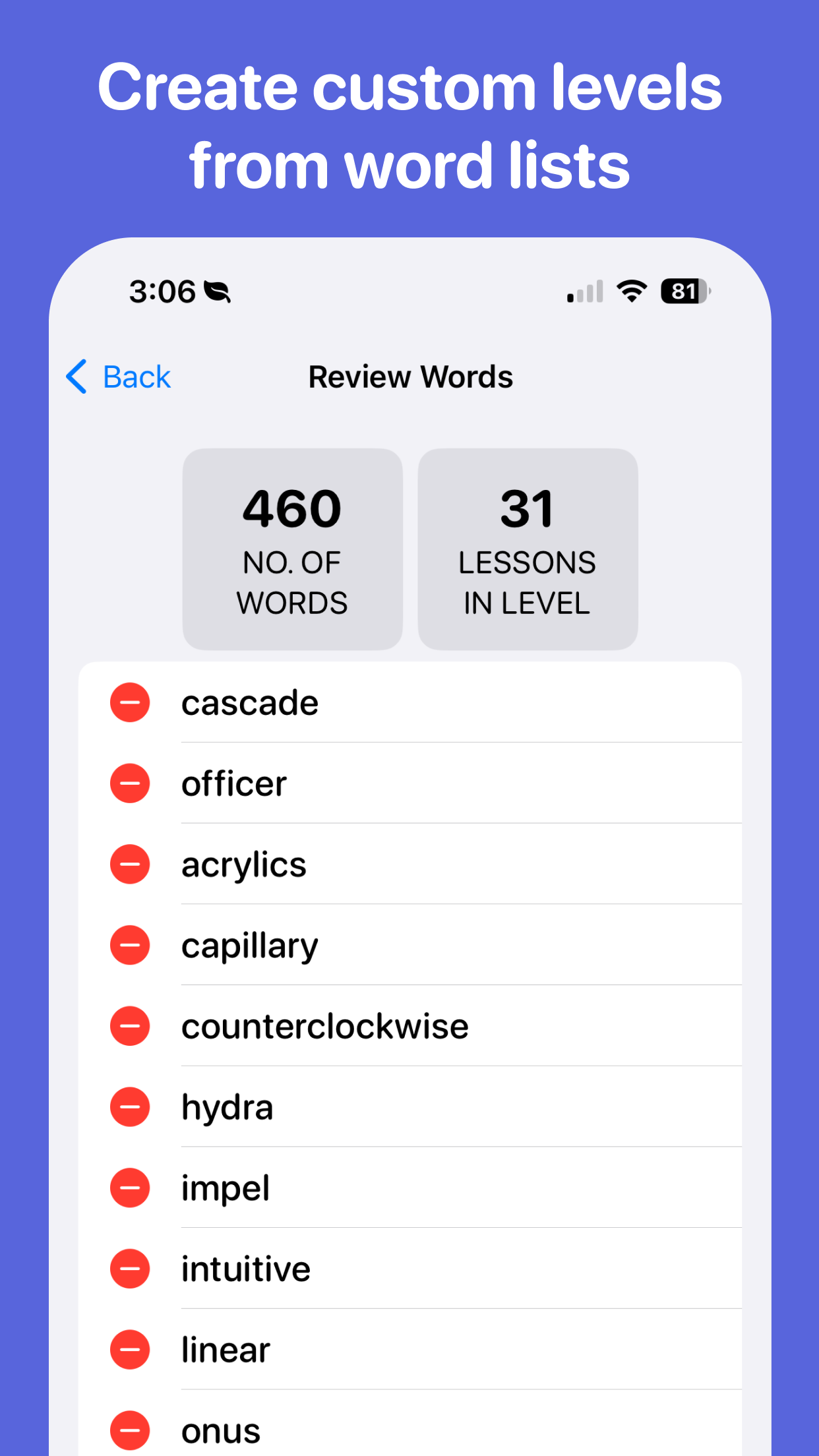
Beezy makes that practical by combining over 6000 built-in words with custom weekly lists in one app.
When custom spelling lists help
Match the app to the words the teacher assigned this week, even when the list changes completely on Monday.
Load the official competition list first, then add a small batch of related practice words only when the core list is under control.
Beezy supports up to four learner profiles, so siblings can use different custom lists without combining their progress.
Beezy also includes more than 6,000 built-in words. Use built-in levels for broader spelling practice and custom lists when the exact school sheet matters. Keeping those two jobs in one app means families can practise the current test without giving up longer-term review.
Custom spelling practice
Yes, although the amount of free customization varies by product. A useful customizable spelling game should let a parent add the exact school words, check the list before practice begins, require the child to recall each spelling, and make missed words easy to revisit.
Beezy is free to download with optional in-app purchases. Parents can build a custom level from their own words or photograph a printed school spelling list, review the words Beezy recognizes, and turn that list into short audio-led practice games. Apple shows the current features and offer available to each family.